EN
ES
DE
FR
IT
NL
PT
Home
About Us
Brief Introduction
WITSON Advantage
Organization
WITSON Trade Show
Products
Blog & News
Video
Top Selling
New Arrival
Factory
Factory Introductoin
Quality Control
Research
Business
Support
WITSON Warranty Policy
Customer Service
Video Showcase
Operation Manual Download
How-To Guides
Contact Us
Contact Method
Cooperating Sites
Can’t find what fits your car?
Privacy Policy
Home
>
Support
>
How-To Guides
Support
WITSON Warranty Policy
Customer Service
Video Showcase
Operation Manual Download
How-To Guides
Current column:
query
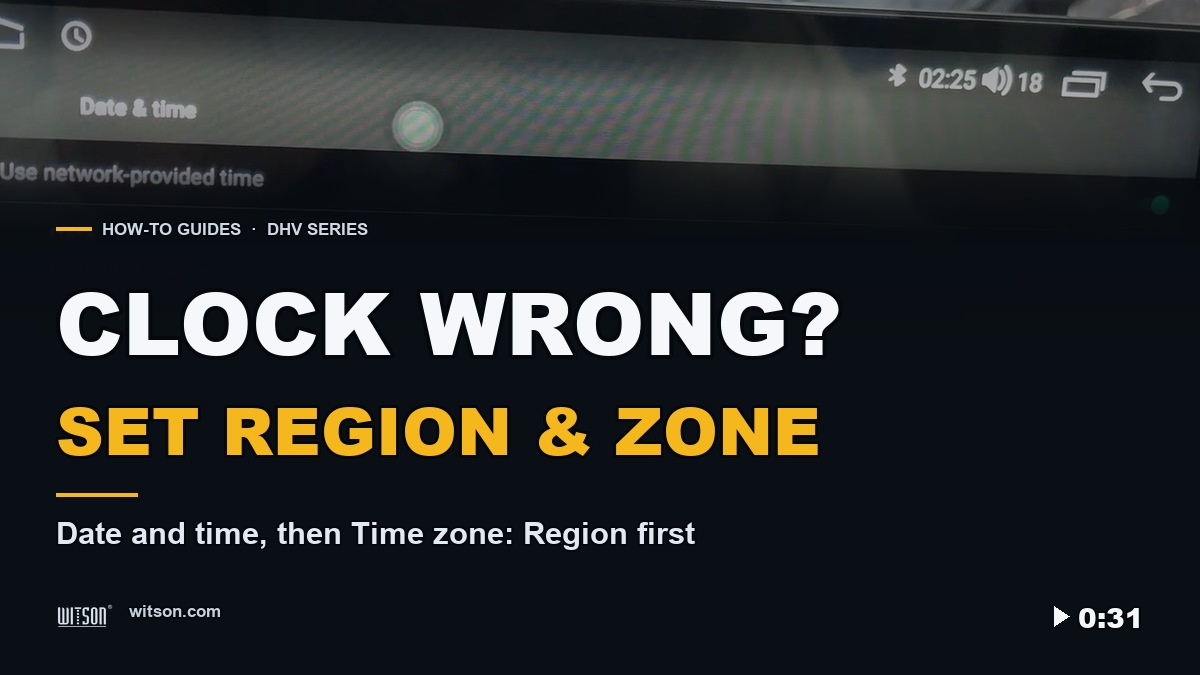
Clock Wrong After Installation: Region, Time Zone and Clock Format
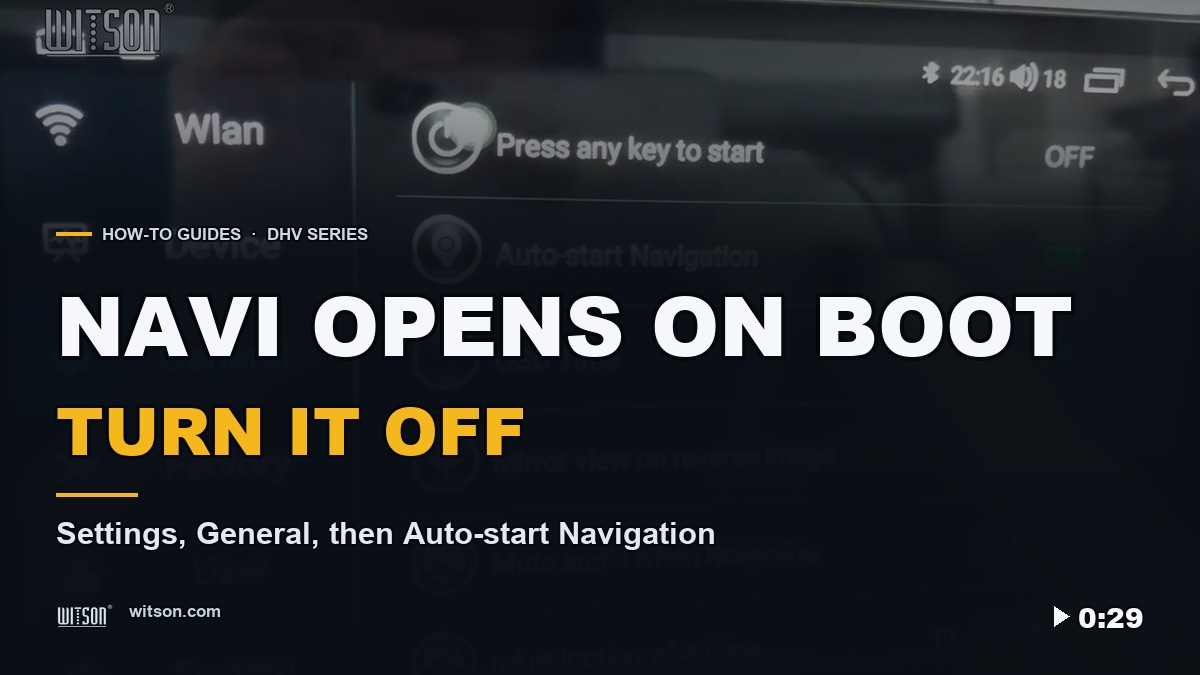
How to Stop the Head Unit Opening Navigation or Apps Automatically at Boot
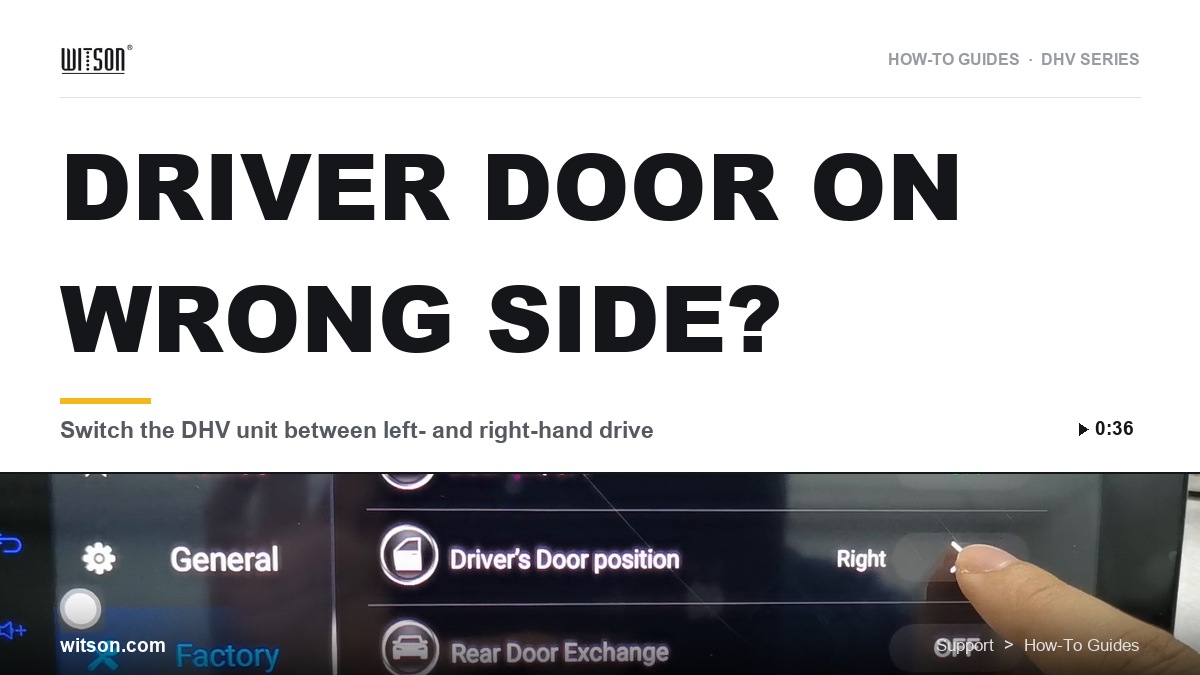
How to Switch a WITSON DHV Series Head Unit Between Left-Hand and Right-Hand Drive
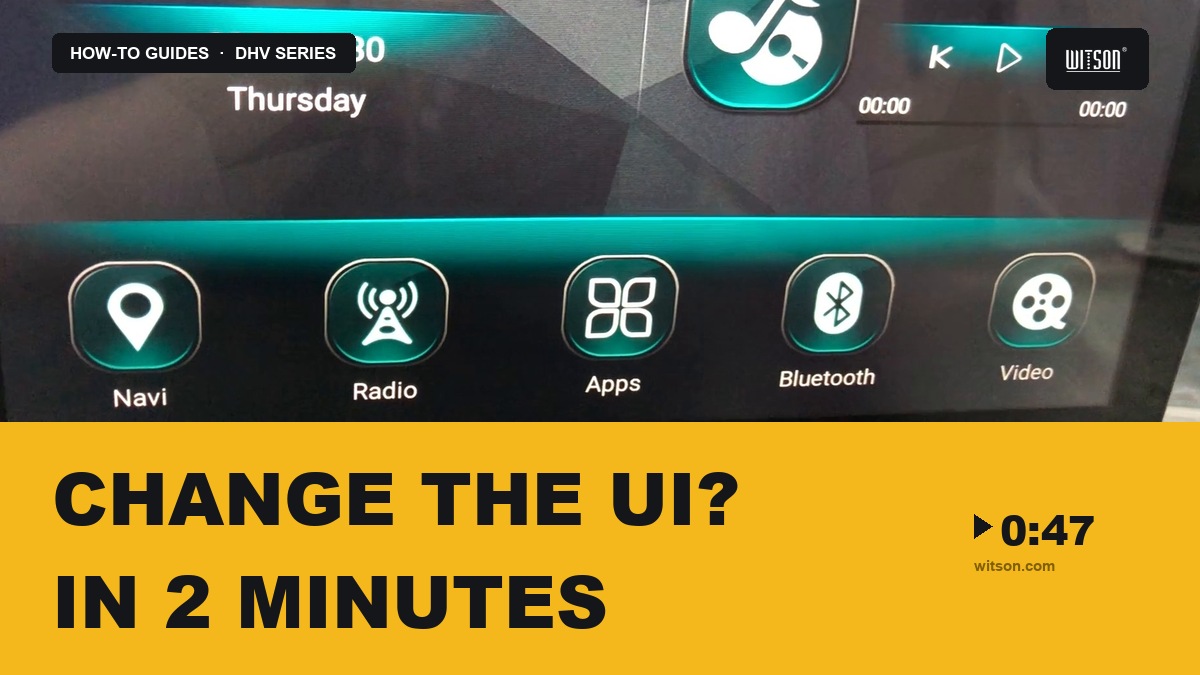
How to Change the Launcher UI and Customise the Home Screen on a WITSON DHV Series Head Unit
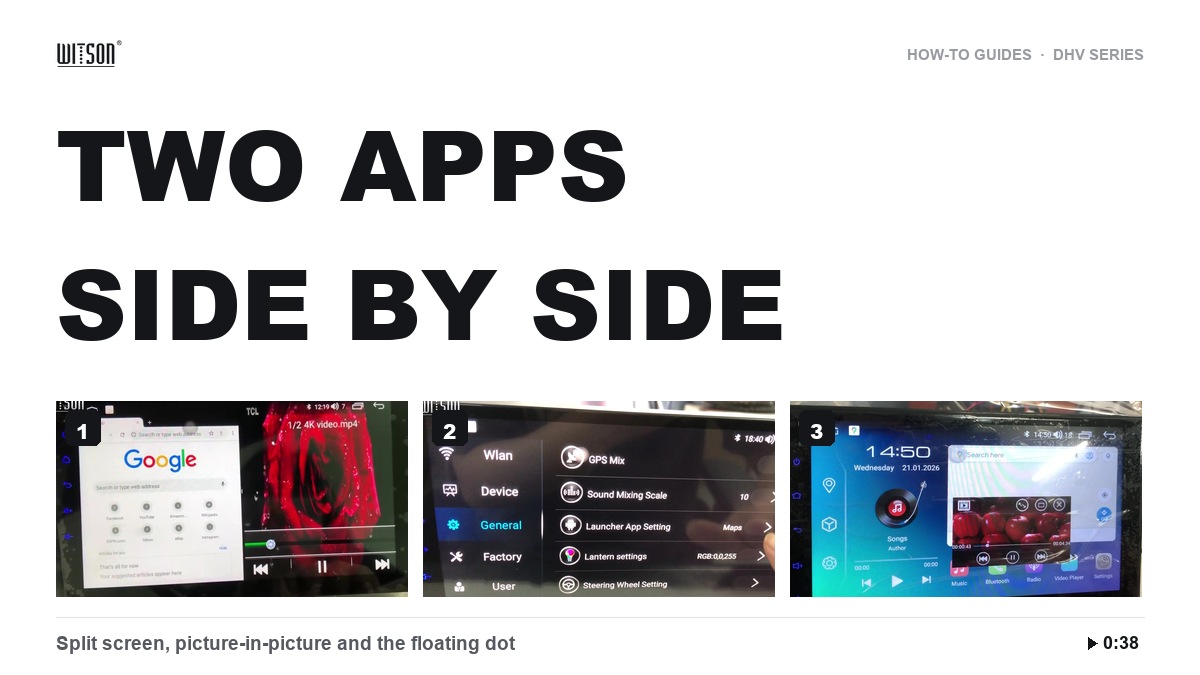
Split Screen, Picture-in-Picture and the Floating Dot on a WITSON DHV Series Head Unit
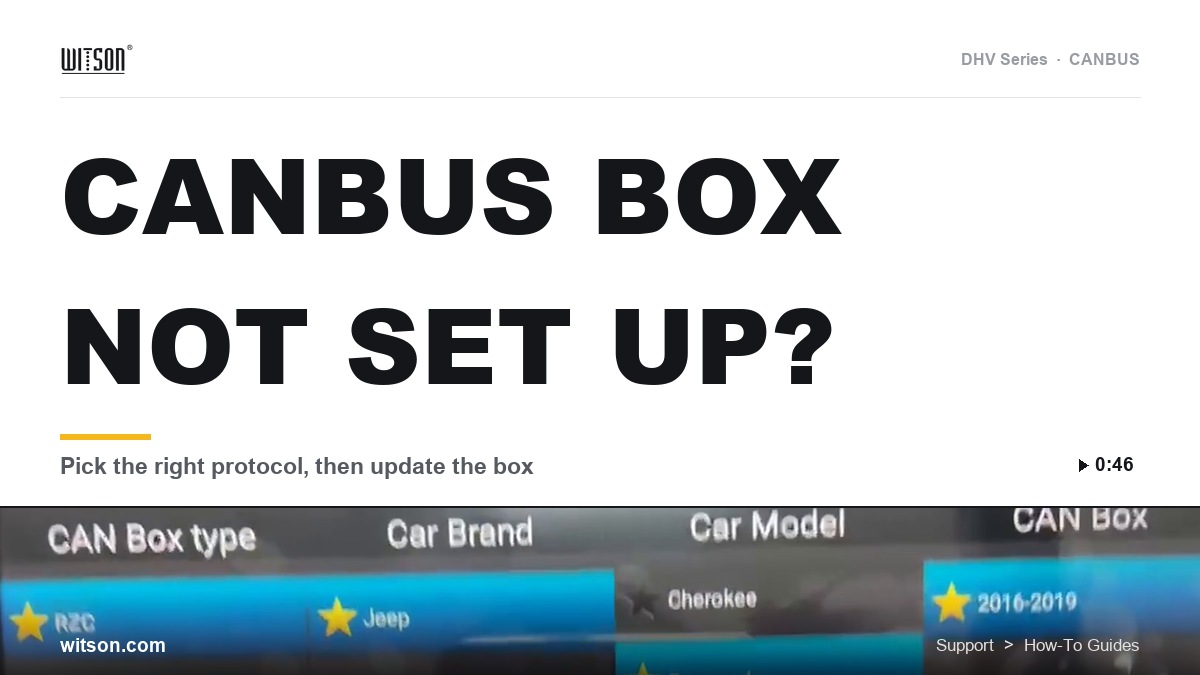
CANBUS Box Setup and Protocol Data Update on a WITSON DHV Series Head Unit
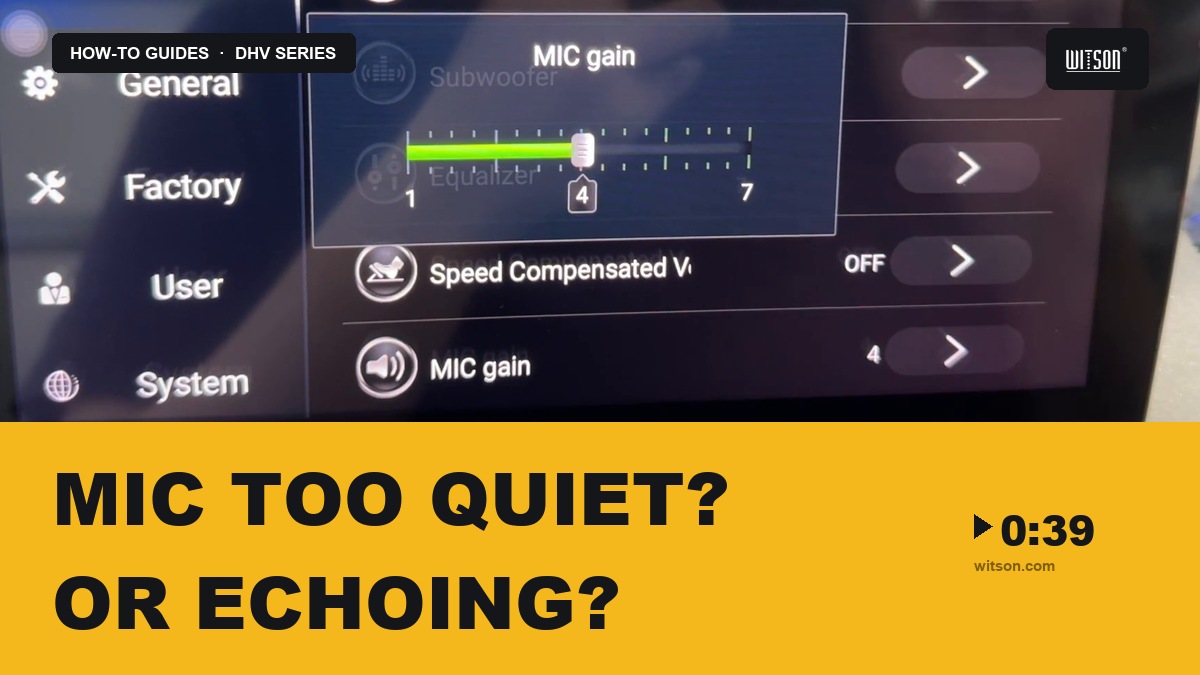
Microphone Too Quiet or Echoing on Calls: MIC Gain and the Back MIC Switch on a WITSON DHV Series Head Unit
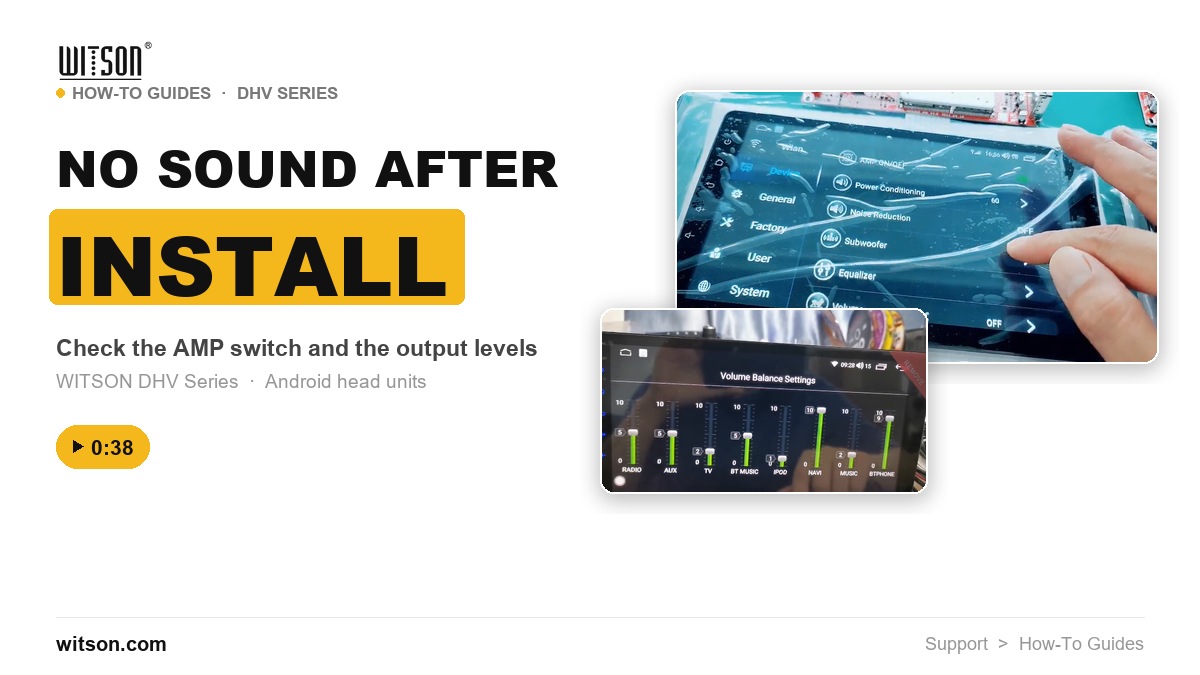
No Sound After Installation: the AMP Switch and Audio Output Power on a WITSON DHV Series Head Unit
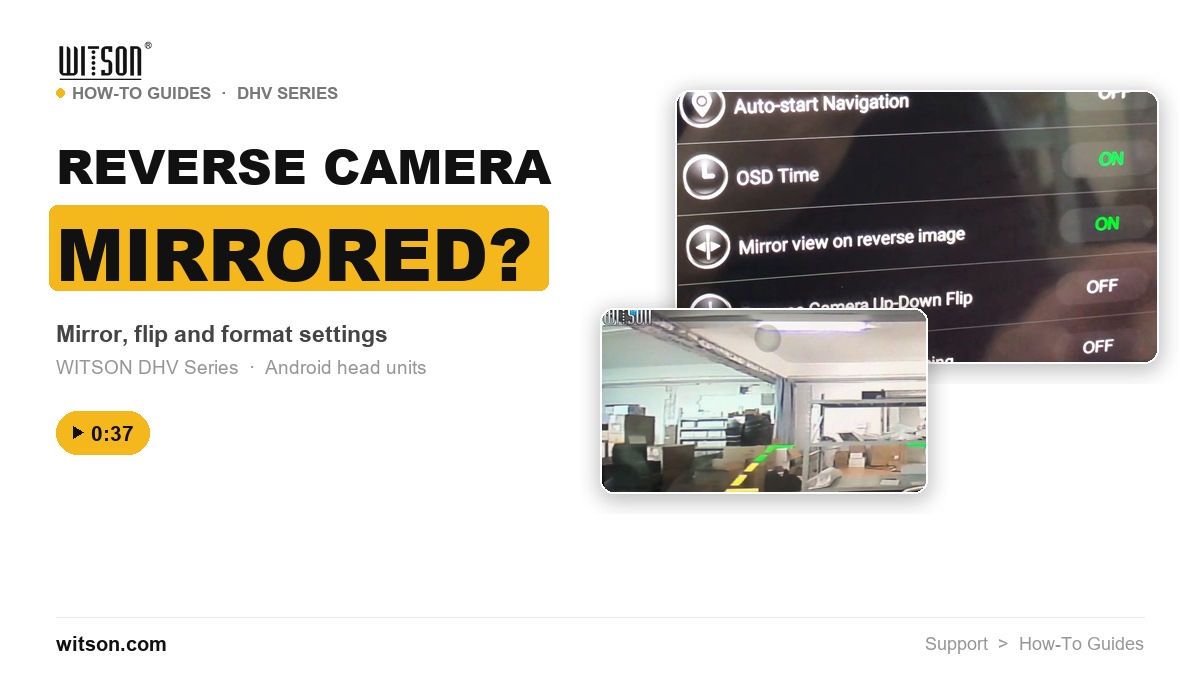
Reverse Camera Not Showing, Mirrored or Wrong Format: Front and Rear Camera Settings on a WITSON DHV Series Head Unit
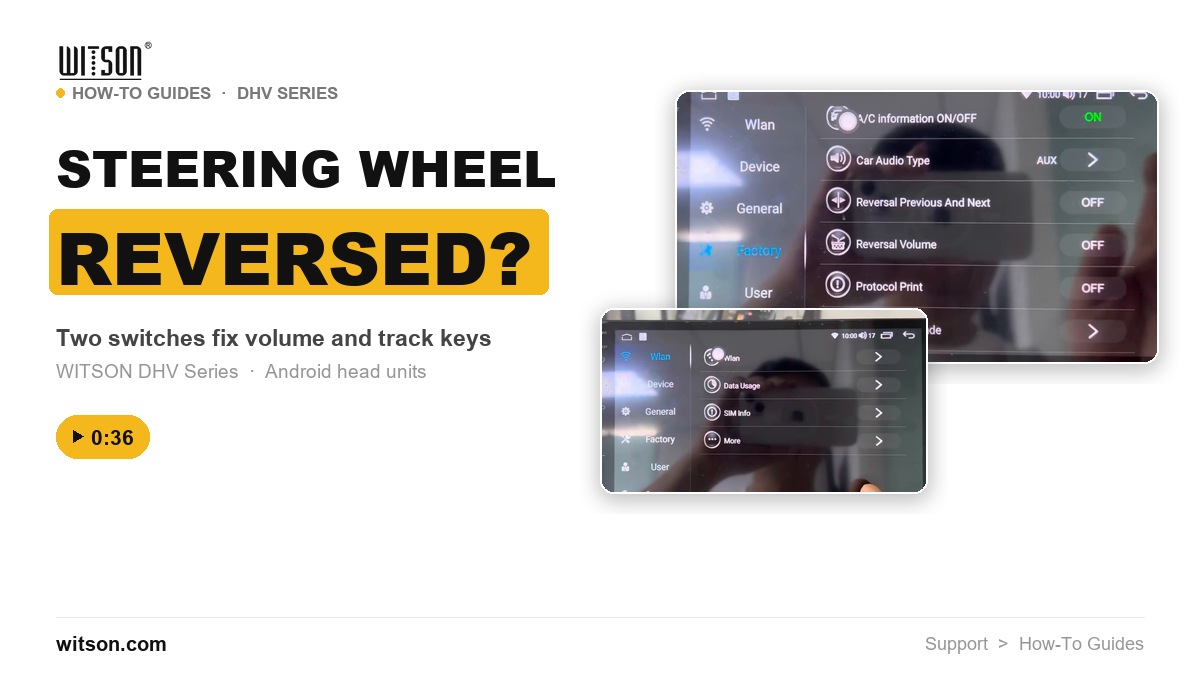
Steering Wheel Buttons Reversed or Swapped: Fixing Volume and Track Keys on a WITSON DHV Series Head Unit
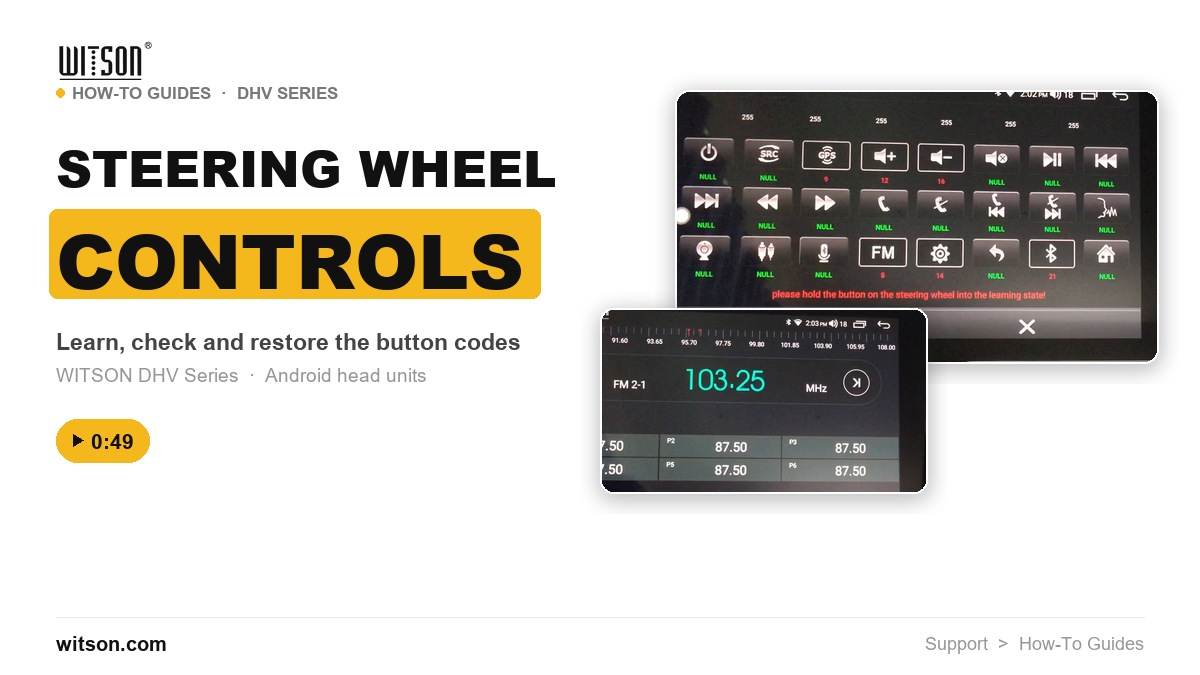
How to Run the SWC Learning Procedure on a WITSON DHV Series Head Unit
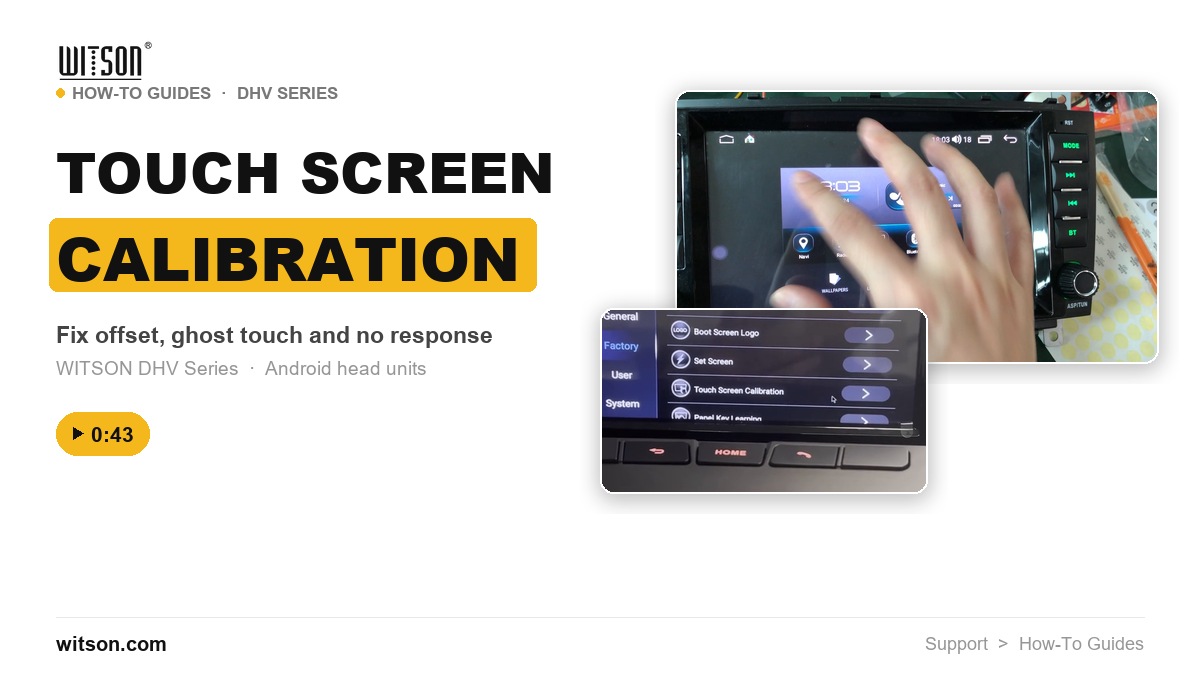
How to Calibrate the Touch Screen on a WITSON DHV Series Head Unit
上一页
1
2
下一页